Engineering notes
How we serve 850,000 static pages from one small server
Dietly serves more than 850,000 food pages by writing them as ordinary HTML ahead of time, then letting Caddy and Cloudflare do the cheap work of delivering them. The web server does not need to calculate nutrition or render a page for a reader. It usually just returns a file.
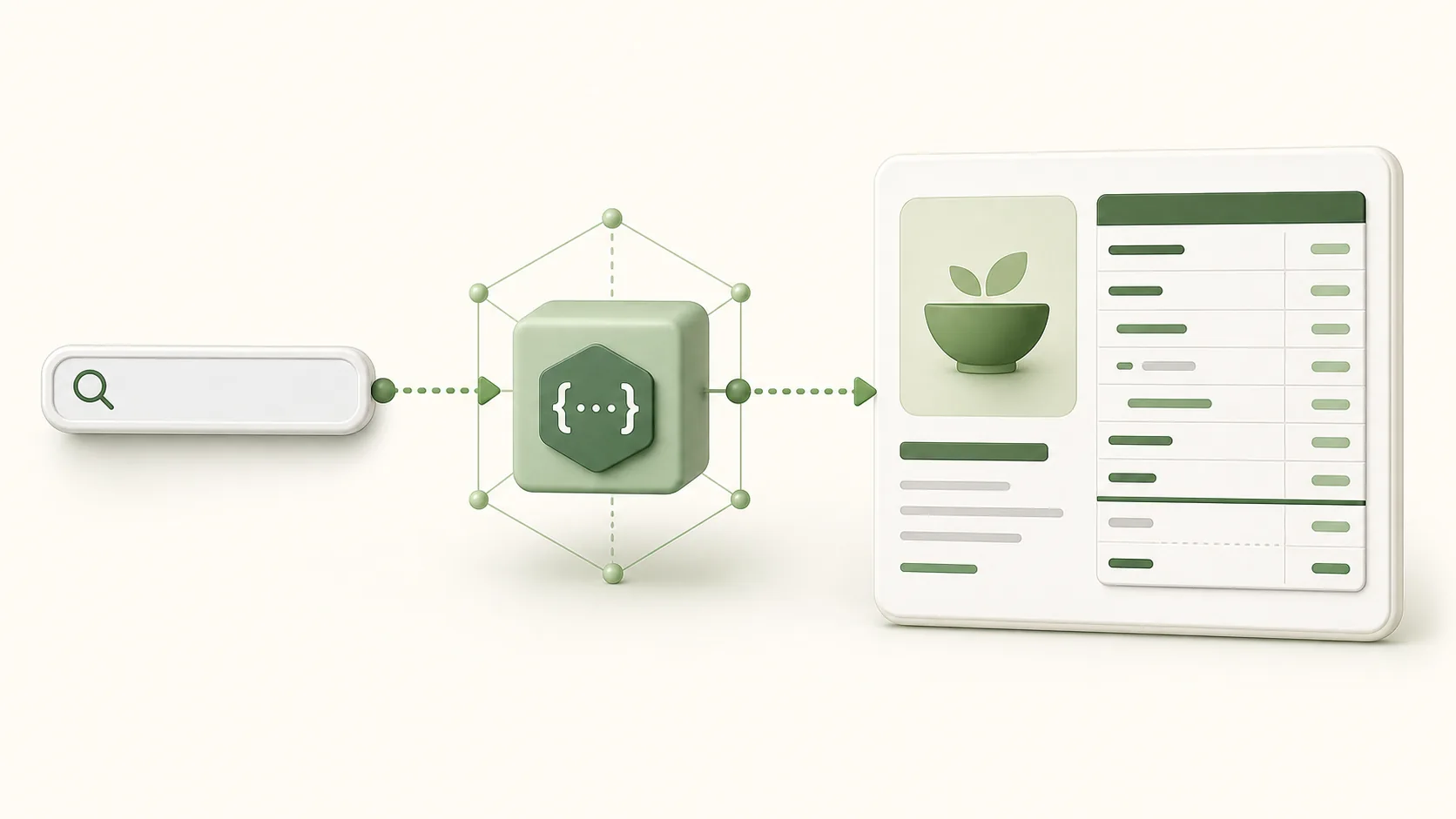
The decision was mostly about failure modes
A food page is a very stable thing. It has a product name, a nutrition panel, a source and links to related foods. Rendering that page during every request adds database pressure and makes an otherwise simple visit depend on the API, the database connection pool and application startup. It also gives a crawler a more complicated route through the system than it needs.
We chose a pre-rendered page for the same reason many documentation sites do: the work can happen once during a build, not every time somebody opens a URL. The dynamic API remains the right place for search, barcode lookups and product data that has not been selected for a public page.
What the build actually writes
The page builder selects the catalog entries that should have a durable public URL, gives each one a stable sharded path such as /food/79/sweet-potato.html, and writes the HTML to the web root. Its manifest holds a content hash and its sitemap state holds the date a page's data last changed. A later incremental build can therefore rewrite only changed pages and retain the prior lastmod for the rest.
That detail is unglamorous but important. A sitemap date is a statement to crawlers, not a weekly decoration. Keeping it stable unless the page changed makes the output more honest and makes an incremental run less noisy.
Why the files live on a separate volume
Hundreds of thousands of pages are not a huge amount of data by modern storage standards, but they are a meaningful deployment artifact. Keeping the generated web root on its own volume separates it from application code and makes a rebuild less likely to compete with the database for the same small root disk. It also makes the operational boundary clear: the generator owns output; Caddy only reads it.
The builder writes atomically where it can, preserves stable food URLs, and avoids a full directory wipe during its normal incremental path. The important operational rule is simple: a build should never turn known public food pages into accidental 404s because selection order happened to change.
Caching is a multiplication, not a substitute
Cloudflare sits in front of the static origin, so frequently requested pages can be delivered close to the reader. Caddy remains deliberately boring behind it: TLS-aware static delivery, predictable cache headers and no application runtime in the reader path. A cache miss still has a cheap origin request, which is the part that keeps a cache outage from becoming an API outage.
Images follow their own route through the image proxy and cache policy. That lets content pages keep a small HTML response while food-page images can be resized and cached independently. The page itself does not import third-party JavaScript or remote fonts, so its useful content is present before any enhancement can fail.
What one small machine does not do
It does not magically make data perfect. Dietly is transparent about its underlying Open Food Facts and community sources, and the public API exposes provenance and confidence fields. It also does not make the database disappear. Search and barcode lookup are still dynamic workloads, and they need their own limits, monitoring and recovery plan.
The static layer buys us a clean separation: browsing a known food page should be inexpensive even when the database is busy. The public status page exists so that performance claims have a checkable counterpart, not just a marketing line.
The practical result
Pre-rendering is not the only answer for a site this size, but it has been the right answer for this workload. It keeps the public catalog fast, cheap to serve and easy to inspect. It also means a food page is evidence in the simplest possible format: an address, an HTML file and the nutrition values a reader came to see.